
Pinterest for small business marketing is one of the most under-leveraged growth channels available to marketers today. While most brands chase followers on saturated platforms, Pinterest users arrive with purchase intent already built in. Most searches are unbranded, which means your content competes on quality, not budget.
This guide covers everything you need to build a Pinterest marketing strategy that drives real business results: setting up a business account, building a keyword strategy, creating high-performing pins, running ads and measuring what works.
Why Pinterest matters for small business marketing
Pinterest is a visual discovery platform. This means users search for ideas using images, not just text—and they arrive ready to act on what they find.
That shopping mindset is a cornerstone of social commerce and what sets Pinterest apart from many other social platforms.
According to The 2026 Social Media Content Strategy Report, 70% of Pinterest users interact with brand content at least once per week. For small businesses looking to reach younger demographics, the opportunity is even higher, as that engagement figure jumps to 78% among Gen Z users.
Pinterest users often arrive with intent already formed—they’re actively researching ideas, planning purchases and looking for products to try next. For small businesses, this creates a welcoming environment to reach customers earlier in the decision-making journey.
The biggest opportunity for small businesses? Majority of searches on Pinterest are unbranded. You don’t need a massive following or a big budget to show up. You compete on the quality of your ideas.
Set up a Pinterest business account
A Pinterest business account is a free profile type that unlocks social media analytics, ads and shopping features. Without it, you’re flying without data.
Start by claiming your website. This verifies your brand and makes your profile picture appear on every pin saved from your site. It also unlocks Pinterest Analytics for all traffic coming from your domain.
Once your account is live, optimize your profile with a keyword-rich bio and a clear business name. Then organize your boards so they reflect how your customers think—not just how you categorize your products.
Build keyword and board strategy for discovery
Pinterest SEO means optimizing your profile, boards and pins so they appear in search results. This is how new customers find you without you spending a dollar on ads.
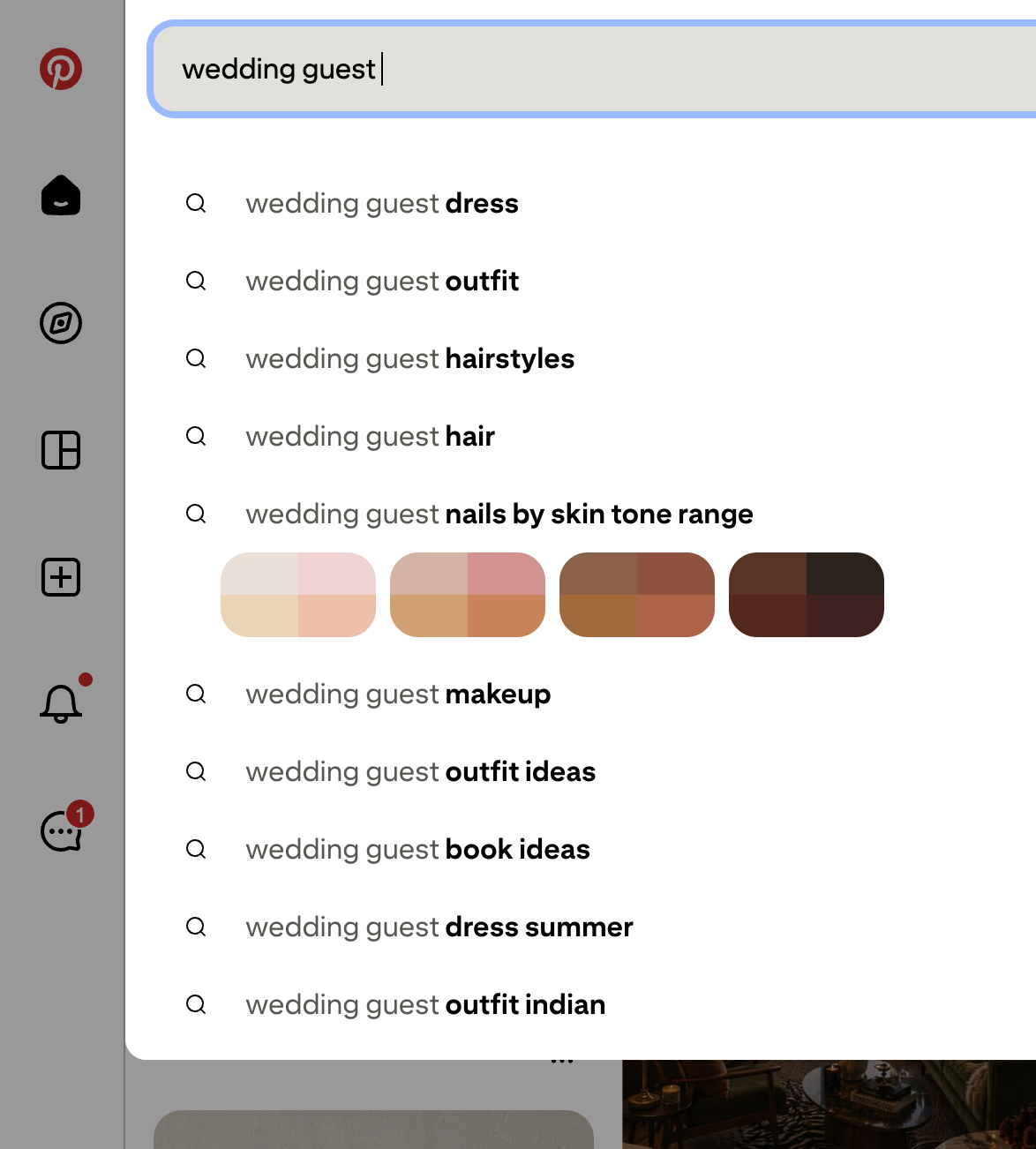
Start your keyword research directly in the search bar. Type a broad term related to your business and watch the guided search bubbles appear—those colored tags show you the exact phrases people add to narrow their searches. These are your Pinterest keywords.
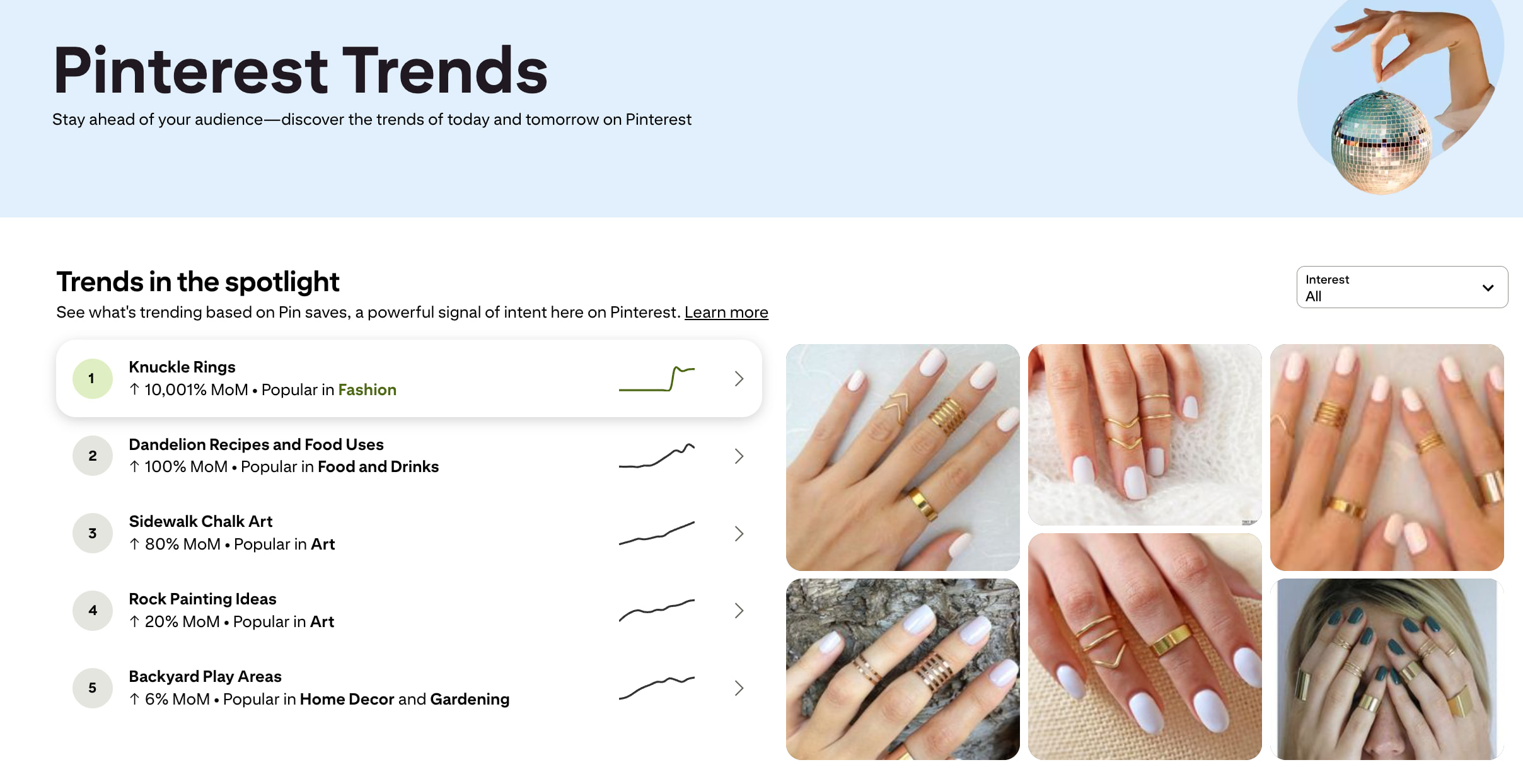
Pinterest Trends is another free tool that shows you what people search for by season and region.
Relevant Pinterest statistics show that users are early planners, often beginning their search journey weeks or even months before an event. This is particularly true for high-intent categories like holidays, weddings, travel and home inspiration.
Apply those keywords to your board titles and descriptions. Organize boards by customer intent—one board for inspiration, one for specific products, one for how-to content. This structure mirrors the way customers move from discovery to purchase.
Create high-performing pins that rank and convert
Every pin competes for attention in a fast-moving feed. To win, your content must be optimized for both the Pinterest algorithm and the person scrolling. By aligning your creative with the technical requirements of the platform, you ensure your ideas reach the users most likely to act on them.
Use multiple pin formats
Pinterest supports four main content types. Mixing them keeps your strategy fresh and reaches users at different stages of their journey.
- Standard pins: Static images that work best for evergreen content and product showcases.
- Video pins: Moving visuals that drive six times more saves than static images—use them for demos or behind-the-scenes content.
- Idea pins: A multi-page format built for step-by-step tutorials and brand storytelling.
- Shopping pins: Product-specific pins that display pricing and availability directly in the feed.
Design images for engagement
Pinterest’s preferred image size is 1000 x 1500 pixels—a 2:3 vertical ratio. This format dominates the feed and prevents the algorithm from cropping your visuals.
Since users browse on mobile, your designs must be clear on a small screen. Use large fonts, bold colors and strong contrast. Adding a clear headline or value proposition directly on the image can improve scannability and help users quickly understand what they’ll get from your content.
Show your products in real-life settings rather than on plain backgrounds. Lifestyle imagery inspires action. A plain product shot informs—but an aspirational scene sells.
Write search-optimized descriptions
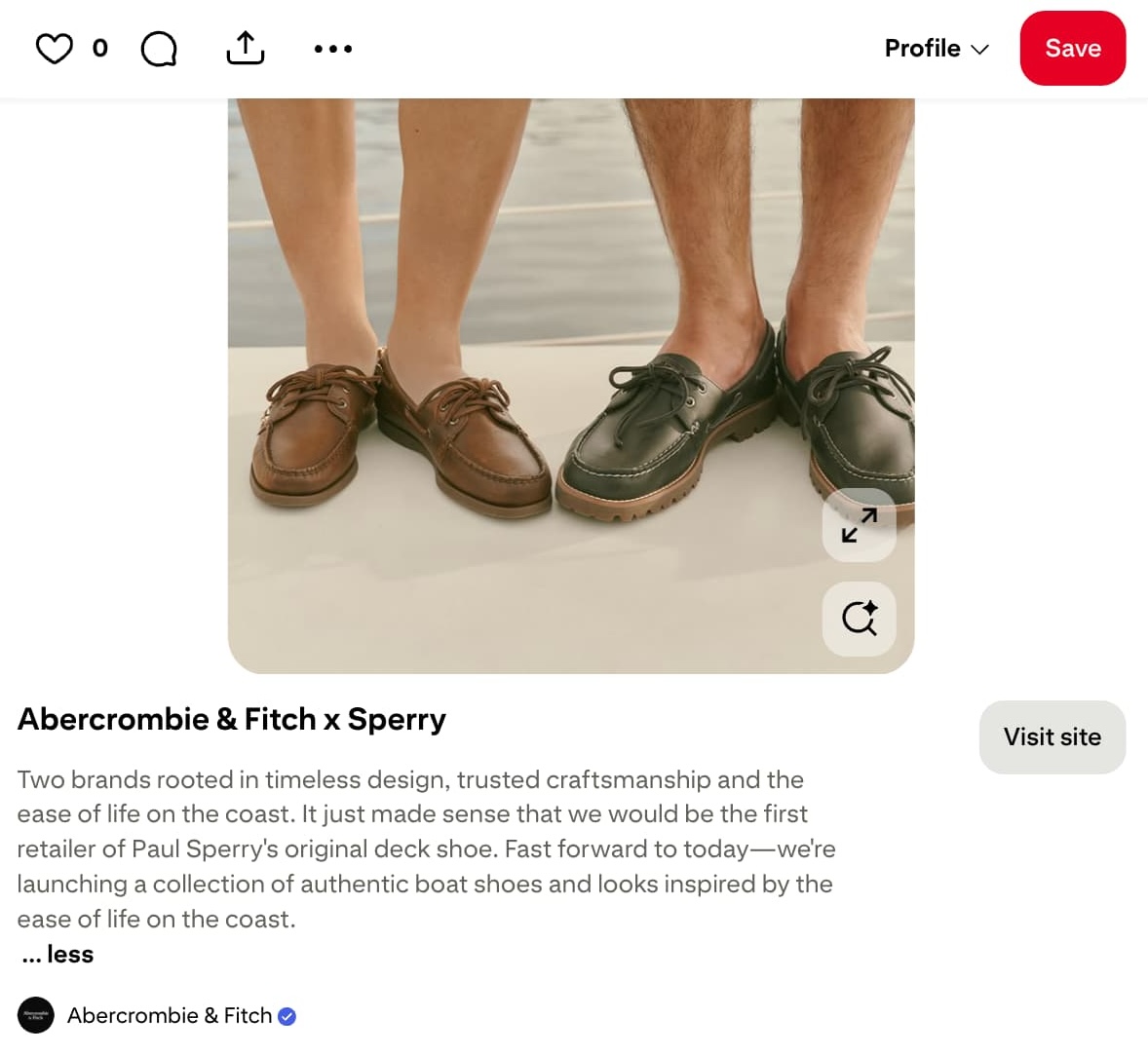
A pin description is the text below your image that tells both users and the algorithm what your pin is about. You have 500 characters to work with.
Put your most important keywords in the first 50 to 60 characters. That’s what appears in the feed before the text cuts off. Follow with a clear call-to-action that tells the reader exactly what to do next.
Source: Pinterest
Focus on natural language keywords instead of hashtag-heavy descriptions. Pinterest now relies more heavily on contextual SEO signals like pin titles, descriptions, board relevance and image recognition.
Enable Rich Pins
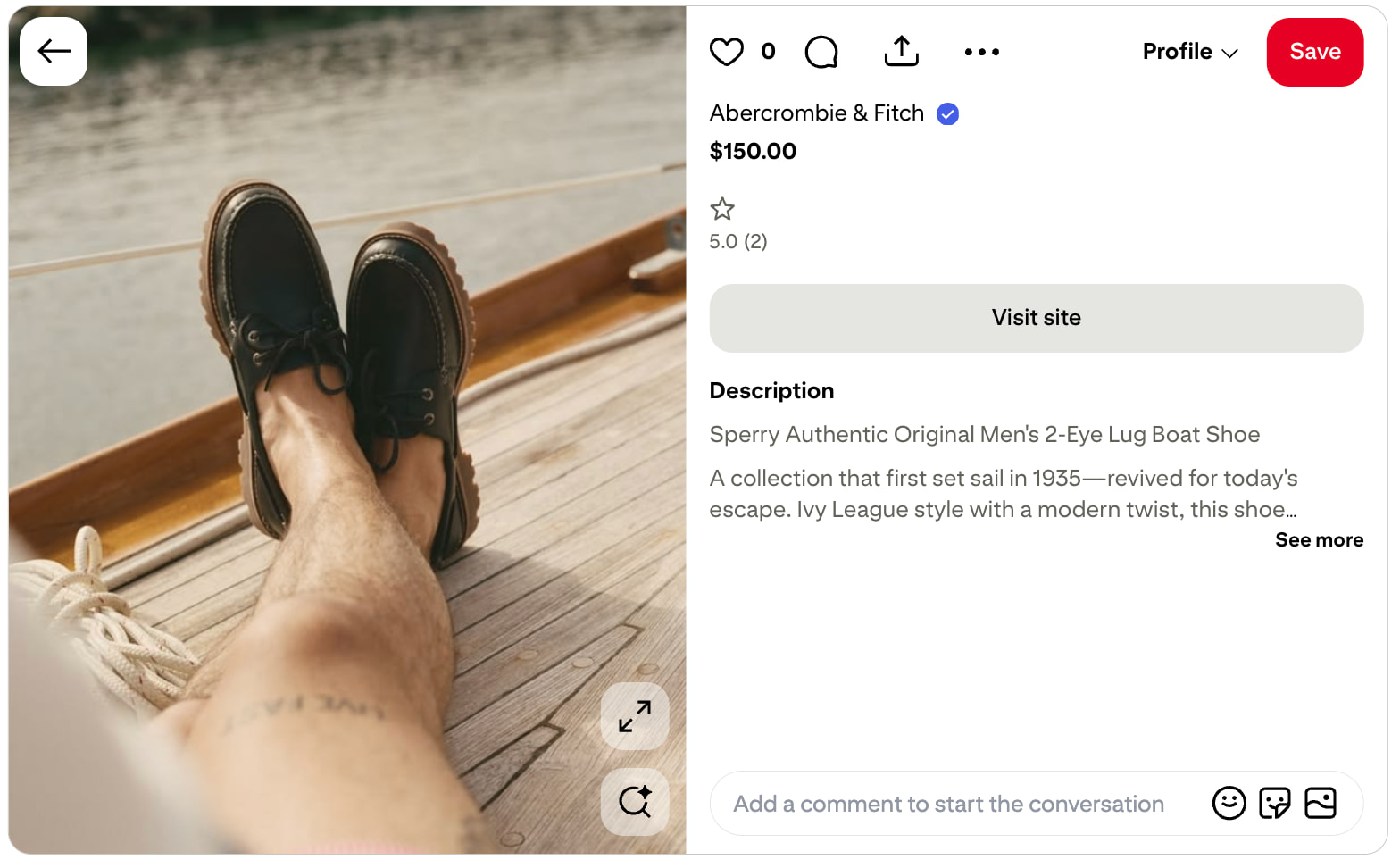
Rich Pins are enhanced pins that automatically sync information from your website to the pin. This means your pricing, availability and product details stay current without manual updates.
Source: Pinterest
There are three types: product pins, recipe pins and article pins. Product pins are the most valuable for small businesses because they update in real time. A customer who clicks a product pin always sees accurate information.
To activate Rich Pins, add the correct meta tags to your website and run your URL through Pinterest’s validation tool. Once approved, the feature applies to all future pins from your domain.
Plan promotion and ads on Pinterest for consistent growth
Organic growth on Pinterest relies on long-term consistency rather than short-term volume. Because pins act more like evergreen search results than temporary social posts, the algorithm rewards accounts that maintain a steady, daily presence.
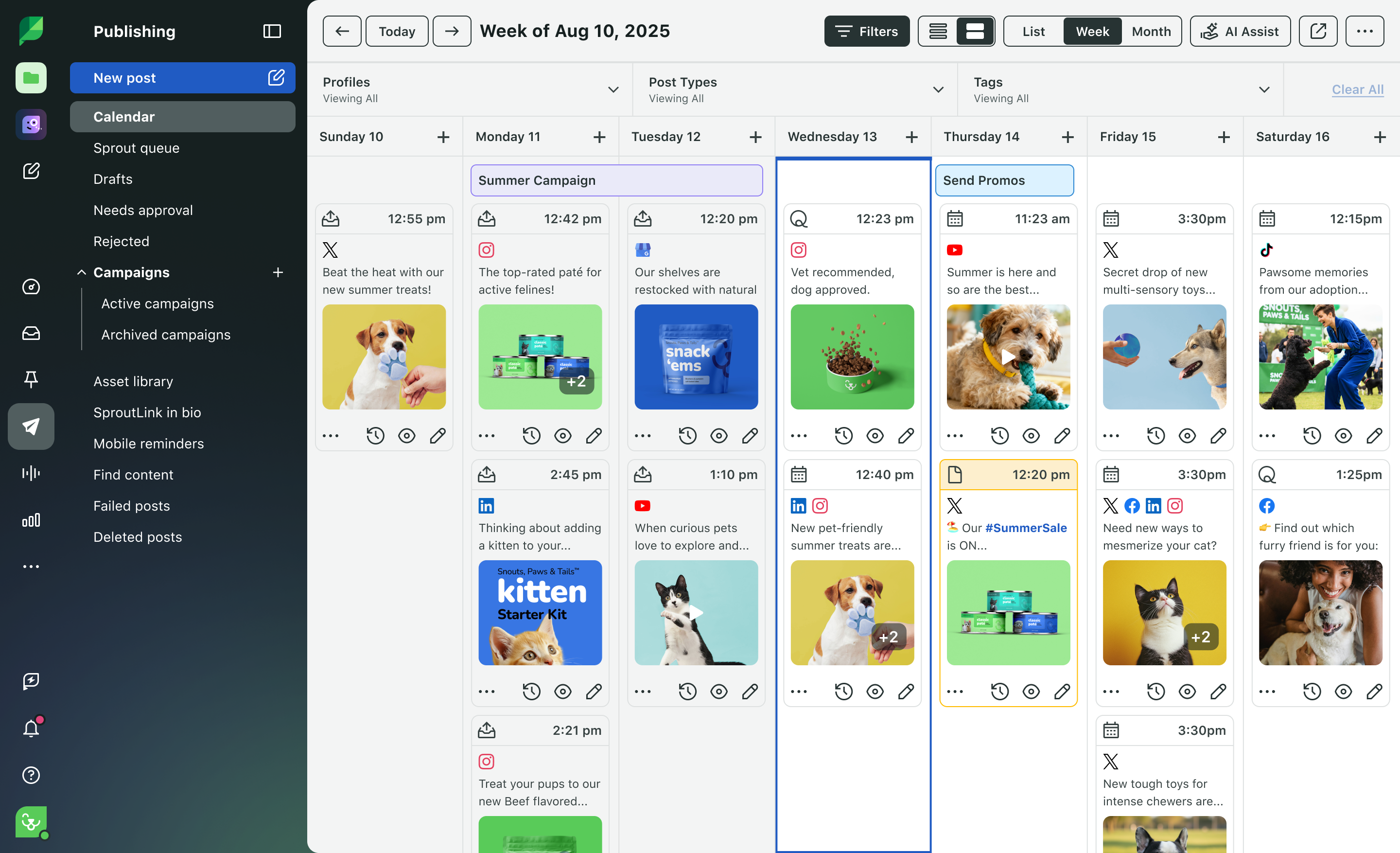
For small teams, sustaining this cadence while managing multiple other platforms often feels like a heavy lift. This is exactly where Sprout Social Essentials helps you bridge the gap.
Essentials provides a professional, enterprise-grade publishing and scheduling workspace designed specifically for growing brands. By centralizing your networks into a single, intuitive interface, you can master your multi-channel strategy in minutes and ensure your Pinterest presence remains active without the friction of endless task-switching.
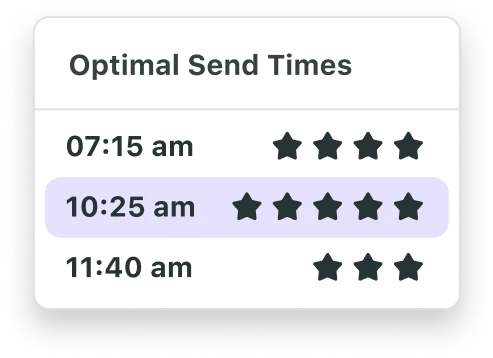
Pinterest users are early planners, often researching weeks or months ahead of key life moments. To capture this intent, publish seasonal content at least 45 days before an event so the algorithm has time to index your pins. Sprout Social’s ViralPost® technology further optimizes this process by identifying when your specific audience is most active and automatically queuing your pins for maximum engagement.
Start an Essentials trial today
When you’re ready to accelerate results, Pinterest advertising puts your brand in front of high-intent searchers. The three main ad formats include:
- Promoted Pins: Standard image ads that appear in search results and home feeds, blending naturally with organic content.
- Promoted Video Pins: Autoplay video ads designed to capture attention in the feed and drive deeper engagement.
- Shopping Ads: Catalog-based ads that pull product details directly from your data feed, showing pricing and availability in real time.
Turn Pinterest engagement into sales
Pinterest shopping features turn your profile into a digital storefront. By applying for the Verified Merchant Program, you build immediate credibility and gain access to the Shopping tab, where your products appear alongside organic search results.
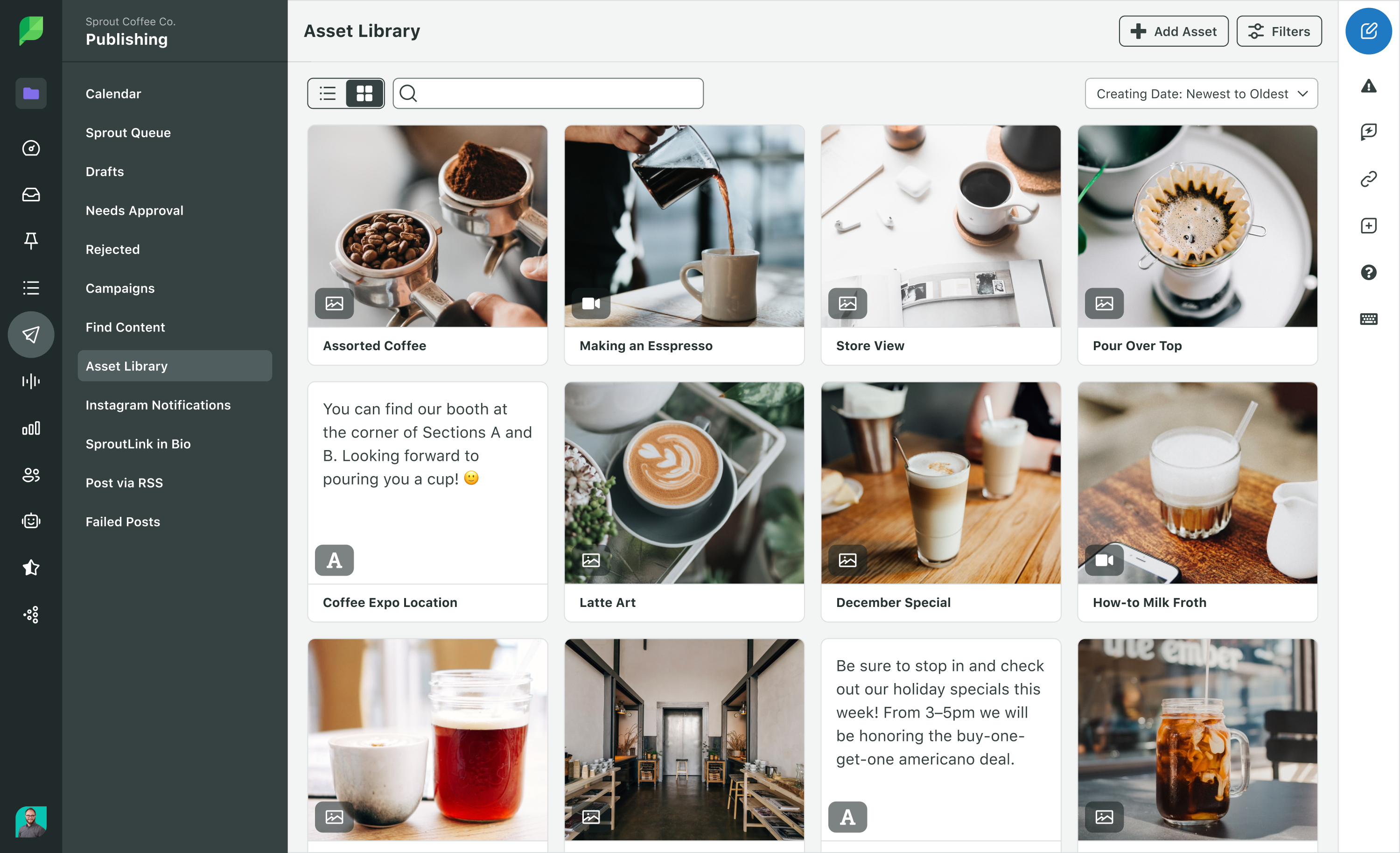
To drive revenue, you must build content for every stage of the buying journey. Managing the variety of assets needed—from lifestyle photography to demo videos—requires a streamlined workflow. Using an Asset Library helps you organize these visuals and quickly deploy them across different formats:
- Inspiration: Lead with lifestyle imagery that shows your product in an aspirational, real-world setting.
- Education: Use “how-to” videos or carousels to demonstrate product value and solve specific customer problems.
- Conversion: Implement Shoppable Pins to reduce friction, allowing users to move from discovery to checkout in just a few taps.
Data from The 2026 Social Media Content Strategy Report reinforces this approach: 34% of consumers are most likely to interact with Shoppable Pins on the network, second only to the 38% who prefer static images.
Measure success with Pinterest Analytics
Pinterest Analytics is the native reporting dashboard that tracks how your content performs. You access it through your business account hub.
The metrics that matter most are:
- Impressions and reach: How many people see your pins—your baseline for visibility.
- Engagement rate: The ratio of saves, clicks and closeups to total impressions.
- Link clicks: The number of people who tap through to your website.
- Conversion metrics: The revenue and actions attributed to your pins within a set attribution window.
Your top pins reveal what your audience responds to. Study them for patterns in format, topic and design—then replicate what works.
Sprout Social’s Pinterest Profiles Report lets you view your Pinterest performance alongside your other social media platforms in one dashboard. This cross-platform view shows you which content themes resonate everywhere, not just on Pinterest, so you allocate your time where it drives the most impact.
Maximize your Pinterest marketing with the right tools
Connecting discovery, engagement and conversion independently is the quickest path to burnout. Sprout Social Essentials provides a unified strategic entry point built for immediate impact. Designed for teams with finite resources, Essentials streamlines core operations—from publishing to reporting—on a platform masterable in minutes.
When you treat Pinterest as a long-term search engine and use professional tools to manage it like a global brand, your content will drive ROI for years to come. Start a free trial today to see the difference.
The post Pinterest for small business marketing: A guide for 2026 appeared first on Sprout Social.